
Image Generation is a neural network-based module designed to create images based on a text description.
The main parameter required for image generation is the Prompt. It's a text query, instruction, or task that a user sends to the neural network.
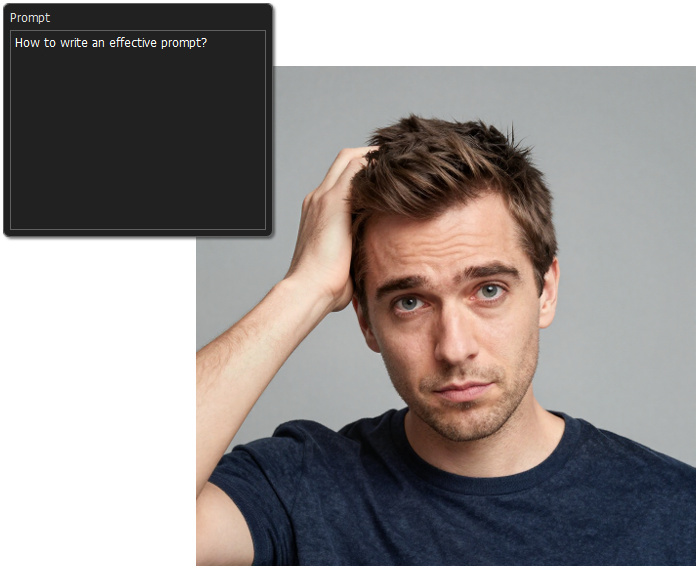
How to Write Prompts
One or two simple words are enough to generate an image. In this case, the image will be generated, and the result may even be satisfactory, but the neural network will fill in all the details on its own.
For example, if you enter "cat" - an image of a cat will be generated, but what kind of cat will it be - white or ginger, at home or in the garden, will it be a photograph or an illustration?
Therefore, to create a detailed image, it is better to adhere to a certain structure and use precise and detailed descriptions.
An effective prompt typically consists of the following elements:
- image type/style
- subject
- appearance
- pose or action
- environment
- lighting
- technical details
Image Type/Style. Specify what exactly you want to receive as a result of generation: a photograph, an illustration, an oil painting, a drawing, a comic book, in the anime style, cyberpunk, etc.
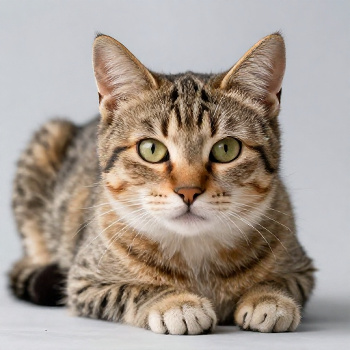 Photo
Photo
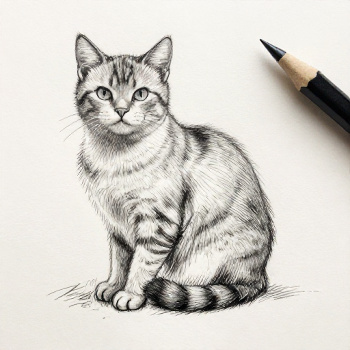 Drawing
Object/Subject. Choose the main character that will be the center of the composition, for example, a dog, a singer, a doctor, a car, a castle, a river, etc. Also, if necessary, indicate the subject's gender: man or woman, girl or boy (female doctor, girl gamer).
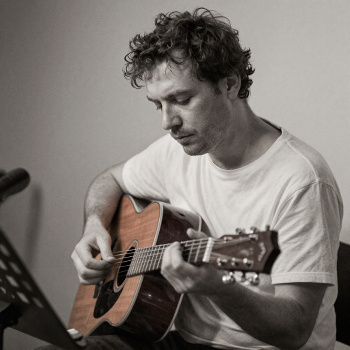 Musician
 Doctor
Appearance. This is how the previously specified object will look. For example, for a person, you can specify their clothing, hair color, facial type, emotions, age, what they are holding, etc. The more detailed the description, the more accurately the neural network will attempt to reproduce the selected object.
Note: Neural networks have trouble understanding vague abstract descriptions; it's better to use specific visual details.
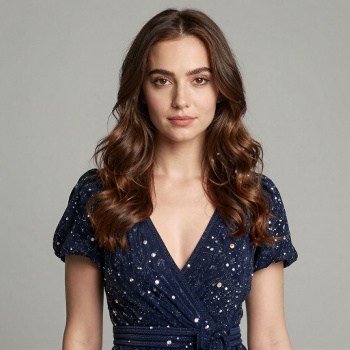 Brunette in Dress
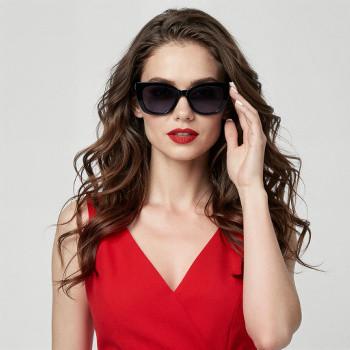 Brunette in Red Dress and Sunglasses
Pose or Action. Describe what the subject is doing, for example, sitting, running, dancing. Here, too, abstract concepts such as thinking, dreaming, or reflecting should be avoided, as the neural network will not be able to represent these unambiguously.
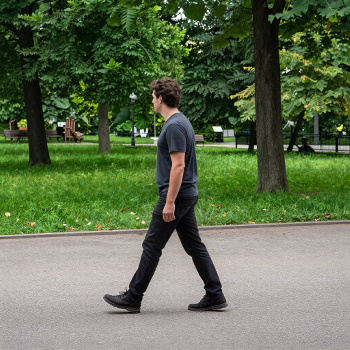 Man Walking in The Park
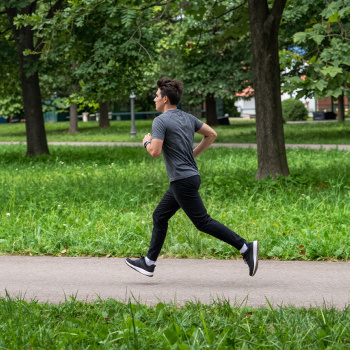 Man Running in The Park
Environment. Describe the location of the object and the objects around it. It's best to describe the environment in more detail, for example, not just "forest," but "a light, deciduous autumn forest," to create a more accurate and vivid picture.
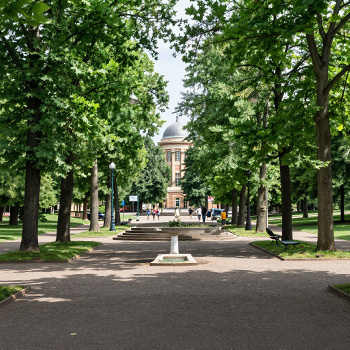 Park
Park
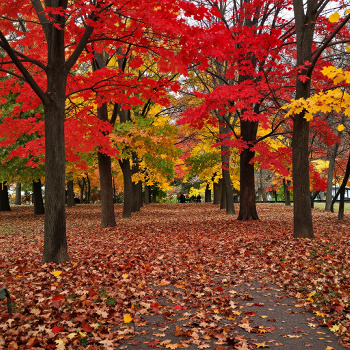 Autumn Park with Red and Yellow Leaves Around
Lighting. Light sets the atmosphere. Specify the type of lighting (artificial, natural), color (red, blue), direction (from above, from below), etc. For example, cinematic lighting, soft sunset light, cool moonlight, etc.
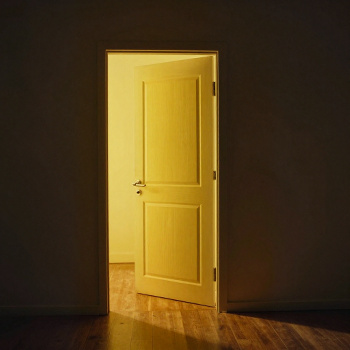 Yellow Light is Coming through a Door
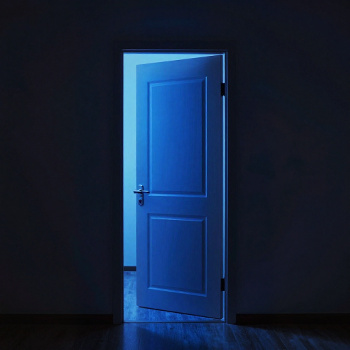 Blue Light is Coming through a Door
Technical Details. At the end, you can specify some camera parameters, its location, shooting conditions and type, and the tools used to create the image.
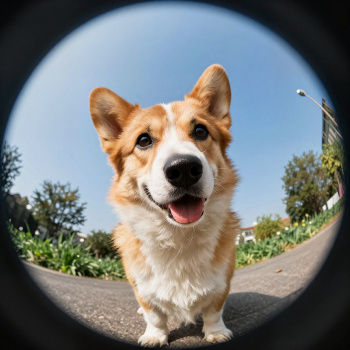 Corgi. Fisheye Lens Photo
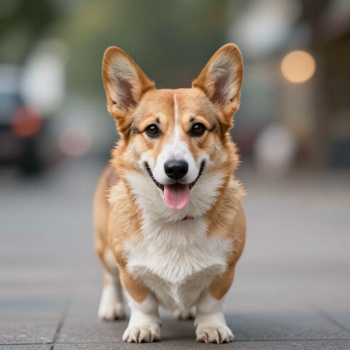 Corgi. Photo with Bokeh Effect
In conclusion, let's combine everything we've learned into one big prompt and see what happens.
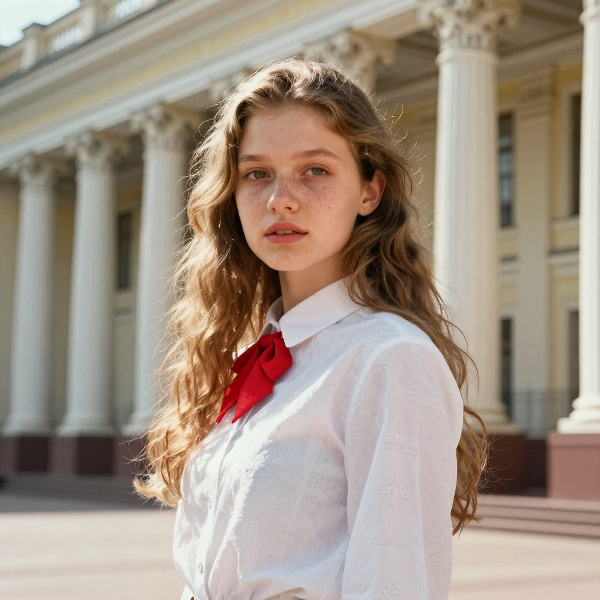 Result
Life Hacks
Prompt Language. The neural network understands different languages, but was trained in English and Chinese, so you can try writing the prompt in these languages for a more accurate result.
Use Synonyms to enhance a certain mood, for example, dark, gloomy, creepy, frightening – to build the atmosphere of a horror movie.
Exact Descriptions. Use short, clear descriptions, minimizing abstract concepts that the neural network cannot interpret unambiguously.
Negations. Try to avoid using words like "not," "without," "except," etc. – it's better to replace such phrases with suitable synonyms. For example, instead of "without hair," write "bald."
Limit the Number of Objects. Don't get carried away. The more objects there are, the higher the chance that the neural network will render each of them worse.
Punctuation. Additional commas can be interpreted by the neural network as an increase in the number of objects, even if they are adjectives referring to the same object. Therefore, when adding multiple definitions, it is better not to use commas between them.
Multiple Generations. If the prompt is written correctly, but the generation result is not satisfactory, don't worry. You can change the Random option and try again, or generate several variants at once (by increasing the Results parameter) .
Text. The neural network can add simple text to an image. For best results, enter the text in capital letters.
You can save a prompt, along with its generation settings, as a preset. Click  to open a dialog box containing all available presets and to save your own set of settings.
Note: AKVIS and its software, AliveColors, assume no responsibility for images generated using third-party AI models. Users are responsible for reviewing and complying with the terms of use, licensing conditions, and content policies of the respective AI model providers. Learn more.