What's New in AliveColors 12
August 25, 2026 — build 12.0.5424
Press Release
AliveColors 12 introduces new features designed to make image creation and editing faster, more flexible, and more inspiring. With powerful AI capabilities, expanded brush support, improved automation, and enhanced stability, the latest version helps artists, photographers, designers, and digital creators bring their ideas to life with greater ease.
Download AliveColors 12. Your AI-powered creativity starts here!
What's New in Version 12:
New Cloud Image Generation — Create with Powerful AI Models
AliveColors 12 adds a brand-new Cloud Image Generation feature, available directly from the AI menu. This powerful tool connects you to advanced AI image generation models hosted on a third-party cloud platform, allowing you to create unique images, concepts, and visual elements without requiring advanced hardware.
Whether you need inspiration, concept art, creative backgrounds, or completely new visuals, Cloud Generation works as your intelligent creative assistant, helping transform your ideas into images quickly and effortlessly.

Expanded Local Image Generation — New AI Models
AliveColors 12 enhances Local Image Generation with support for new AI generation models. By downloading the Model Loader, users can easily install and use additional AI models directly on their computers.
Local Generation allows you to create images without an internet connection or access to third-party cloud services. Additional models can be added at no extra cost, providing greater flexibility, privacy, and control over your creative workflow.
Local vs. Cloud Image Generation
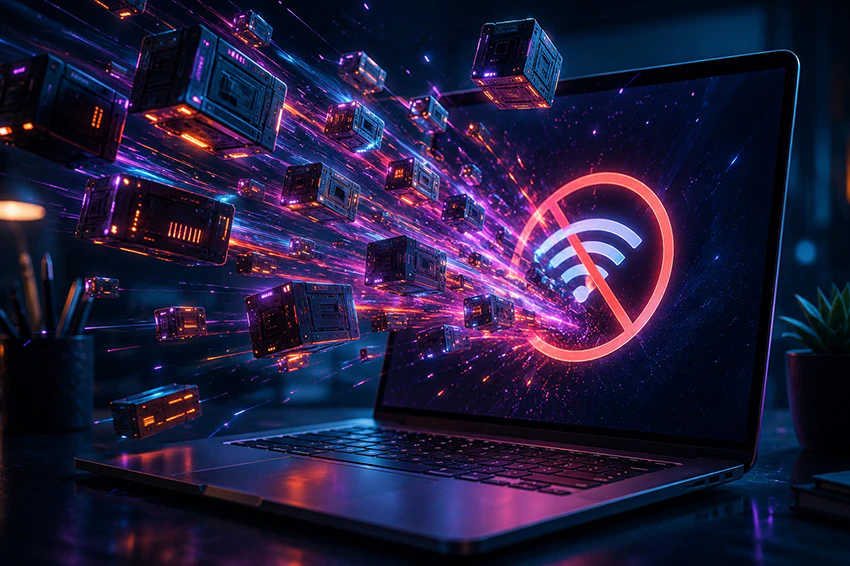
The software gives you the flexibility to choose between local and cloud-based AI image generation, depending on your needs and available resources.
Local Generation runs neural network models directly on your computer, allowing you to create images without an internet connection or access to external services. This option provides greater independence and privacy, but it requires more powerful hardware.
Cloud Generation uses powerful AI models hosted on third-party platforms, allowing you to create images even on computers with limited hardware capabilities. This makes advanced AI tools accessible to more users, but an active internet connection and access to the external service are required.
Choose the workflow that fits you best: use local generation for offline creativity and maximum control, or cloud generation for convenient AI-powered creation on almost any computer.
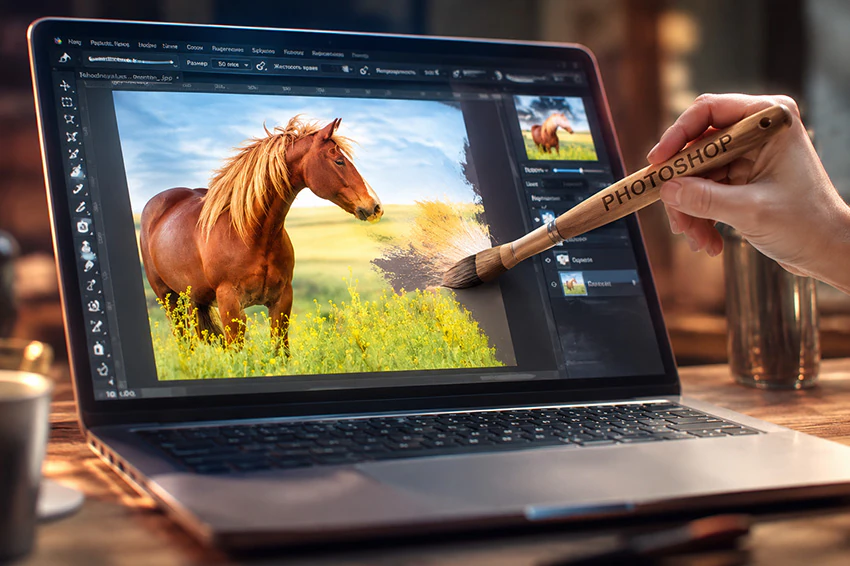
Photoshop Brushes, Support for ABR Format
Creative tools become even more versatile with the addition of Photoshop Brushes in AliveColors 12. The software includes the Ps Brush and Ps Mixer Brush tools.
Version 12 fully supports the widely used ABR format, allowing artists to import and work with a large variety of Photoshop-compatible brushes.
Whether you are painting, retouching, creating digital artwork, or experimenting with new styles, AliveColors 12 delivers a more flexible and powerful brush experience.
Improved Actions for Faster Workflows
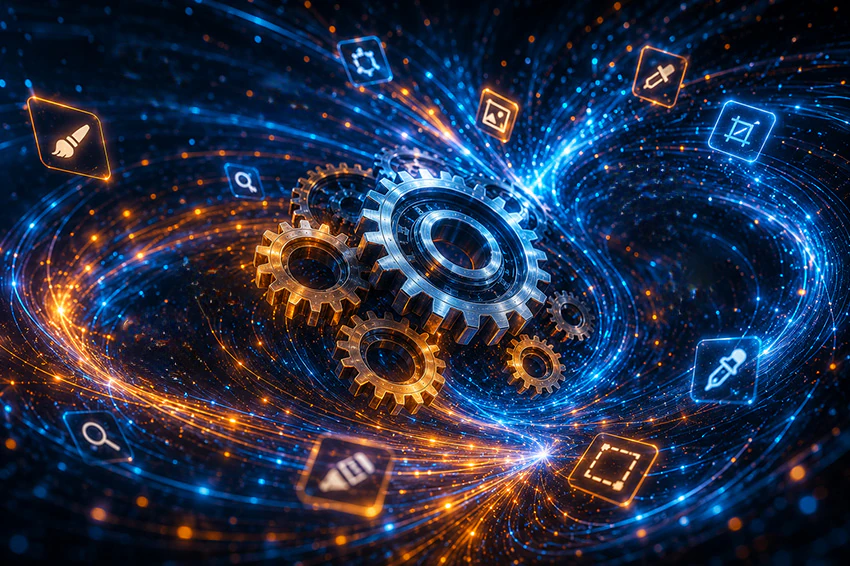
Automation gets a major upgrade in AliveColors 12. Actions now support recording and using a wider range of tools, making repetitive editing tasks faster and more efficient.
Newly supported tools include:
- Move Tool,
- Transform Tool,
- Crop Tool,
- Selection Tools,
- Standard Brushes,
- Photoshop Brushes,
- Retouching Tools,
- Deformation Tools,
- FX Brushes,
- Artistic Brushes.
With these improvements, users can build more powerful automated workflows and save time on complex editing processes.
Enhanced RAW Processing
Version 12 features enhanced RAW Processing, delivering higher-quality conversion of raw image data from digital cameras. The updated processing engine provides more accurate rendering of fine details, colors, and tonal transitions, giving photographers a stronger foundation for professional image editing.
Interface Improvements
AliveColors 12 includes a number of small but meaningful interface enhancements designed to improve usability and make everyday editing more comfortable.
Enhanced Stability and Bug Fixes
The new version also focuses on reliability and performance improvements. Various issues have been resolved, including:
- Fixed a crash that could occur when playing actions containing recorded layer effects.
- Fixed a crash that could occur when saving images.
- Improved overall application stability for a more dependable creative workflow.
AliveColors 12 opens up new creative possibilities. From AI-powered image generation to professional brush support and smarter automation, the new version gives creators more tools to explore, experiment, and produce outstanding results.
Create faster. Edit smarter. Bring your imagination to life with AliveColors 12 — your creative assistant for every project.
Available Across Multiple Platforms
The software is available for Windows, macOS, and Linux, allowing users to enjoy the same powerful editing, AI, and creative tools across their preferred operating system.
Get Started Today! Download AliveColors 12.
Don't forget to download the Model Loader to make new local models work.
Update Information
AliveColors Free:
- The Free license allows you to use the latest version of the software.
AliveColors Business:
- Free upgrade ($ 0) — for customers who purchased an AliveColors Business license within the last 12 months.
- Paid upgrade ($ 20) — for users whose license does not include access to the latest version.
Upgrade your business workflow with the newest AliveColors features, improved performance, and enhanced creative tools.
Check if you are eligible for a free update in the Customer Room or contact us at support@akvis.com.