
The Ps Mixer Brush  tool is designed for painting with the ability to blend colors on the image. It consists of the brush itself and a paint reservoir. When painting, paint is drawn from the reservoir depending on the specified parameters. At the brush tip, paint from the reservoir can mix with the canvas paint.
You can change the brush color using the Color, Swatches, or Color Wheel panels, or by clicking the image with the Eyedropper tool. To pick a color from the image, press and hold the I key, then select the color with the Eyedropper tool. When you release the hotkey, the painting tool becomes active again.
The basic tool settings are displayed in the Tool Options panel above the Image Window. To access the full list of parameters, click the tool icon in the Tool Options panel (or press F5), or right-click the image. To set the parameter values, enter a numerical value in the input field or move the slider.
Current Brush Load Swatch. A small colored square on the panel displays the paint level of the reservoir and the brush itself. Clicking on it opens the Color Selection Dialog, where you can select a color to fill the reservoir.
Auto Load  . At the beginning of each stroke, the reservoir will be filled with paint of the main color.
Auto Clean  . At the beginning of each stroke, both the reservoir and the brush will be cleaned of color.
Wet (0-100). The degree of interaction with the canvas colors.
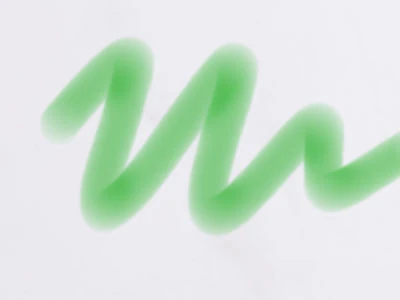 Wet = 10
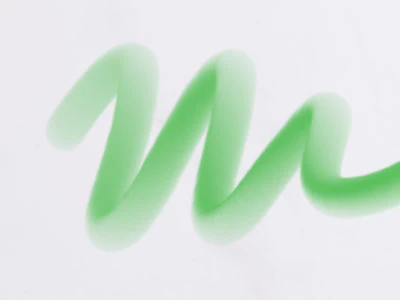 Wet = 100
Load (0-100). The amount of paint loaded in the brush.
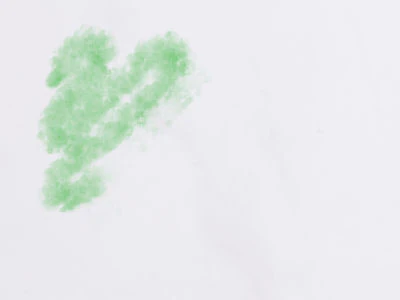 Load = 5
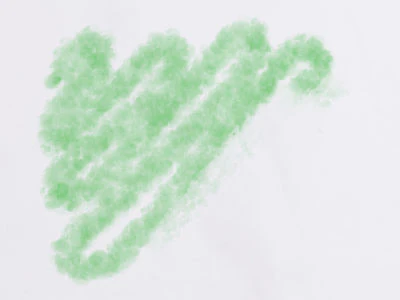 Load = 25
Mix (0-100). The degree of mixing of the brush paint with the canvas colors. At value = 0, there is no mixing; at 100, the canvas colors are mixed, and no paint from the reservoir is used.
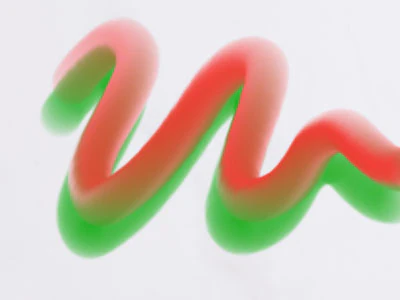 Mix = 25
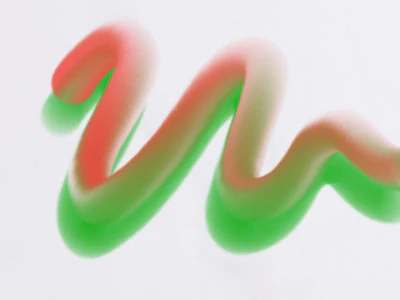 Mix = 75
Flow (0-100). The degree of influence on the layer.
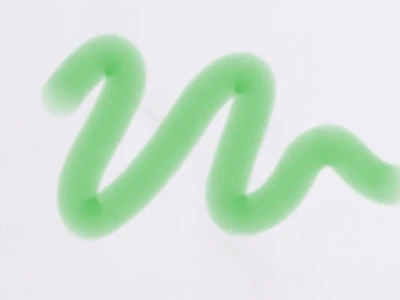 Flow = 40
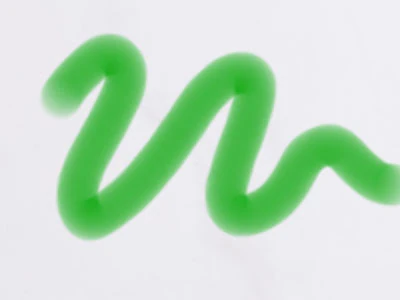 Flow = 90
Smoothing (0-100). The degree of smoothing of the brush stroke.
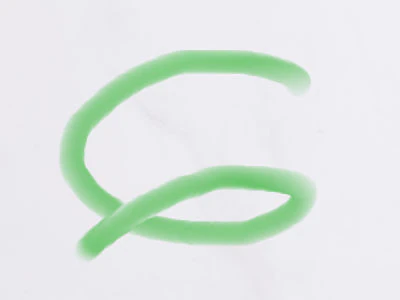 Smoothing = 0
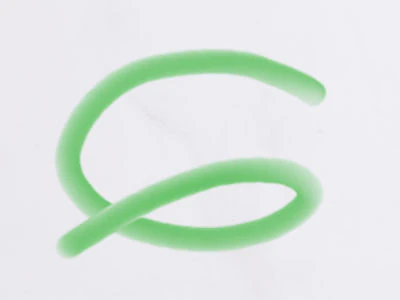 Smoothing = 10
In addition to the above parameters, the brush offers advanced settings (in the Ps Brush Editor) which control the brush stroke appearance.